Tenant Ledger Cleanup Before CAM Reconciliation: A Practical NNN Landlord Checklist
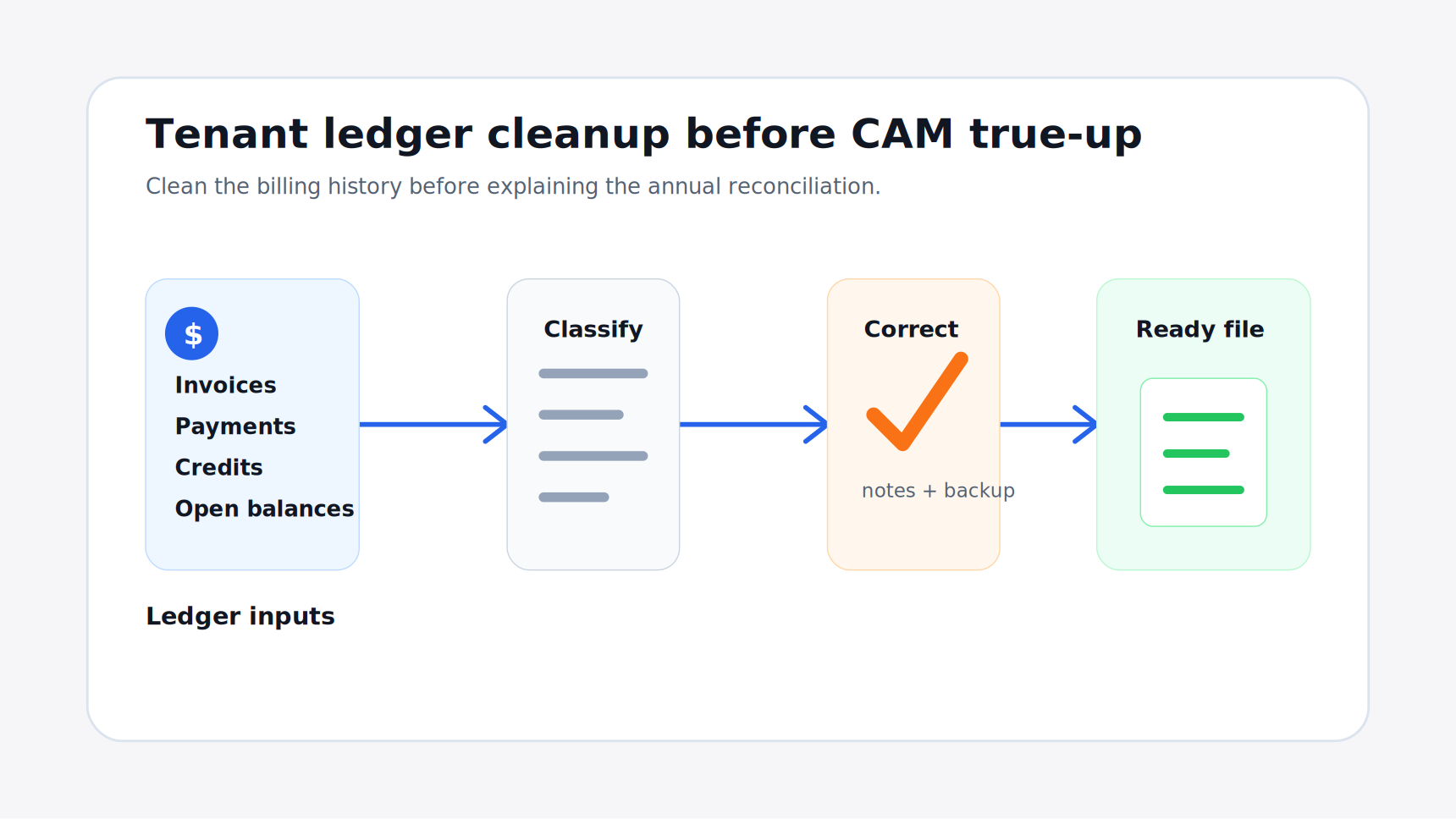

The CAM True-Up Starts With the Tenant Ledger
Most CAM reconciliation work gets framed as an expense problem. Did the landlord collect the right property expenses? Were taxes, insurance, landscaping, utilities, repairs, and management fees coded correctly? Did the lease allow each category?
Those questions matter. But the tenant ledger can create just as many reconciliation problems.
If monthly estimates were entered late, credits were applied to the wrong charge, one-off invoices were mixed into CAM, or a tenant payment was posted to the wrong period, the final true-up can look wrong even when the recoverable expense math is clean.
Before starting CAM reconciliation, NNN landlords should review the tenant ledger like an operating record, not just an accounting report. The goal is simple: make sure the charges and payments sitting behind the reconciliation are complete, explainable, and tied to the lease.
Confirm the Monthly CAM Estimate Charges
Start with the recurring CAM estimate schedule.
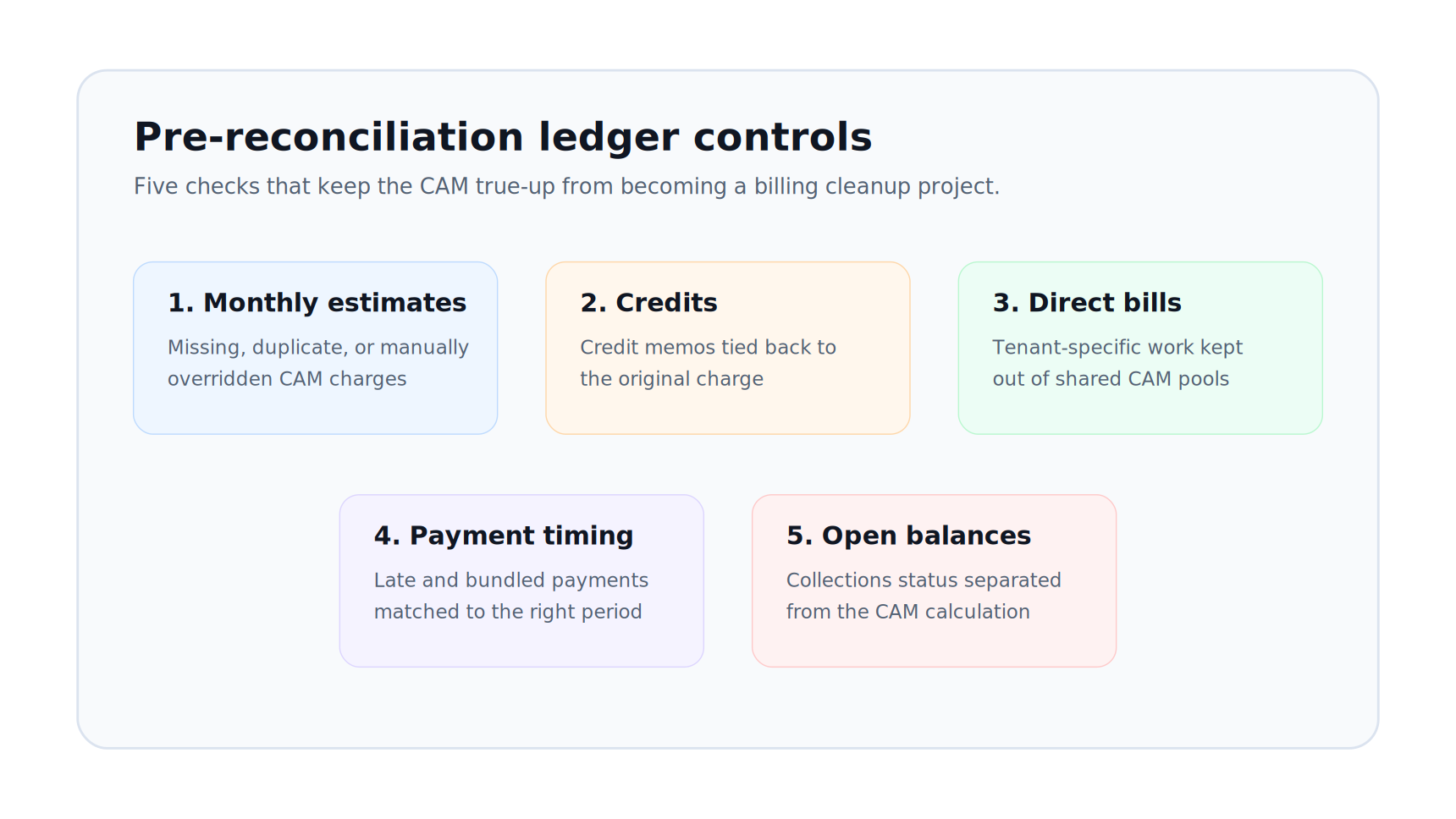
For each tenant, confirm that the ledger shows the correct monthly estimate for the full reconciliation year. A common issue is that the approved estimate was calculated in one place but entered differently in the billing system.
Check for:
- missing monthly CAM estimate charges
- duplicate monthly charges
- estimate changes that were entered mid-year without notes
- tax or insurance estimates billed separately from CAM
- tenants that started or ended occupancy during the year
- amendments that changed square footage or recovery terms
- manual overrides that do not match the approved budget file
Small monthly errors compound. A $75 monthly underbilling becomes a $900 variance before actual expenses are even considered. If the tenant sees that variance during the true-up, they may treat it as a CAM dispute even though the real issue was ledger setup.
Separate CAM From Rent, Late Fees, and One-Off Charges
The tenant ledger should make it clear what each charge represents.
Rent, CAM estimates, tax estimates, insurance estimates, late fees, utility rebills, repair reimbursements, percentage rent, and one-off invoices should not collapse into one vague balance. When the charge types are muddy, the reconciliation package becomes harder to explain.
Before true-up, look for ledger lines that need reclassification or notes:
| Ledger item | Why it matters before reconciliation | | --- | --- | | Base rent | Should not be included in CAM true-up calculations | | Monthly CAM estimate | Should reduce or offset the tenant's actual recoverable share | | Tax or insurance estimate | May need separate comparison if billed outside CAM | | Late fee | Usually unrelated to recoverable operating expenses | | Tenant repair charge | May be direct-billed, not part of the common area pool | | Utility rebill | May be lease-specific and separate from CAM | | Credit memo | Must be tied to the charge it corrected |
This review is especially important for landlords using QuickBooks. QuickBooks may show the customer balance accurately, but it does not automatically know which charges should be included in a CAM reconciliation story.
Trace Credits Back to the Original Issue
Credits are one of the easiest ways to confuse a reconciliation.
A tenant may have received a credit for an overbilled CAM estimate, a billing setup mistake, a direct repair reimbursement, a rent concession, a disputed late fee, or a payment correction. If that credit is sitting on the ledger without context, it can distort the year-end explanation.
Review every credit memo and unapplied credit before reconciliation. For each one, answer four questions:
1. What original charge did this credit correct? 2. Was it related to CAM, rent, taxes, insurance, or something else? 3. Did the credit already reduce the tenant's estimated CAM payments? 4. Should it appear in the reconciliation backup package?
If the credit corrected a monthly CAM estimate, it may need to be included when calculating total estimated payments. If it corrected a rent issue, it probably should stay out of the CAM calculation.
> A clean ledger does not just show that a tenant has a balance. It shows why the balance exists.
Match Payments to the Right Period
Payment timing can make a clean reconciliation look messy.
Suppose a tenant paid the January CAM estimate on February 2. The cash receipt may land in February, but the charge belongs to January. If the reconciliation review uses cash timing instead of charge period, the tenant may appear to have underpaid or overpaid estimates.
Before reconciling, confirm whether your process compares actual CAM against:
- charges billed during the reconciliation year
- payments received during the reconciliation year
- open tenant balances as of year-end
- a combination of billed estimates and outstanding balances
For most NNN landlords, the cleanest approach is to reconcile actual recoverable expenses against estimated CAM charges billed for the year, then show the tenant's outstanding balance separately. That keeps the CAM calculation from becoming a collections report.
This distinction matters when tenants pay late, make partial payments, pay several invoices with one check, or have unapplied payments sitting on account.
Check Move-Ins, Move-Outs, and Partial-Year Occupancy
Partial-year occupancy creates ledger risk.
If a tenant opened in April, expanded in September, terminated in November, or started paying CAM after a free-rent period, the ledger needs to reflect the actual billing arrangement. The reconciliation also needs to know whether the tenant owes a full-year share, a prorated share, or only charges from a defined commencement date.
Review tenants with:
- mid-year lease commencements
- early terminations
- suite expansions or contractions
- free-rent periods
- delayed CAM billing starts
- temporary abatements
- ownership or assignment changes
The key is to separate occupancy economics from accounting convenience. A tenant may have a lease start date, rent commencement date, CAM commencement date, and possession date that are not identical. The ledger should not force those into one assumption without documentation.
Reconcile Direct-Billed Work Before CAM
Commercial landlords often direct-bill tenants for work that should not flow through the common CAM pool.
Examples include a tenant-specific plumbing repair, signage electrical work, after-hours HVAC, lock changes, trash violations, damage repairs, or utility reimbursements. These charges may be perfectly valid, but they can create confusion if they are mixed with CAM lines or coded to the wrong income account.
Before CAM reconciliation, review direct-billed charges and confirm:
- the charge is tied to the correct tenant
- the invoice description is clear
- backup exists if the tenant asks
- the charge is not also included in the common expense pool
- payments or credits were applied correctly
- the lease allows the direct bill or reimbursement
The biggest risk is double recovery. If a repair invoice was direct-billed to one tenant and also included in the CAM pool, another tenant may catch it during review. That can turn a small coding error into a trust issue.
Compare the Ledger to the Lease Abstract
The ledger should agree with the lease abstract.
If the abstract says the tenant pays monthly CAM, tax, and insurance estimates, the ledger should show those charges. If the lease says CAM starts after a certain date, the ledger should not show earlier monthly CAM charges unless there is a clear reason. If the tenant has an expense stop or base year structure, the ledger should not look like a standard NNN estimate schedule.
Useful fields to compare include:
- lease commencement date
- rent commencement date
- CAM commencement date
- pro-rata share
- suite square footage
- monthly estimate amount
- charge categories
- caps or exclusions
- payment due dates
- late fee rules
This is where many landlords feel the gap between accounting software and lease administration. The ledger shows what was billed. The lease explains what should have been billed. Reconciliation needs both.
Keep a Ledger Cleanup Log
Do not make ledger corrections silently.
If you find an issue, record what changed and why. A simple log is enough:
| Date reviewed | Tenant | Issue found | Action taken | Backup | | --- | --- | --- | --- | --- | | Jan. 12 | Suite 104 | April CAM estimate missing | Added invoice from approved schedule | 2026 CAM estimate file | | Jan. 13 | Suite 210 | Credit memo applied to rent instead of CAM | Reapplied credit to CAM estimate | Email approval | | Jan. 14 | Suite 300 | Direct repair also coded to CAM expense pool | Removed expense from recoverable pool | Vendor invoice |
That log protects the reconciliation later. If a tenant asks why estimated payments changed, the answer should not depend on someone remembering a spreadsheet edit from six months ago.
Where PigJet Fits
PigJet is built for commercial landlords who need the accounting record, lease rules, and tenant communication history in one operating workflow.
For a landlord using QuickBooks, the accounting system can remain the place where invoices, payments, and deposits live. PigJet helps add the commercial property context around that data: which lease rule applies, which CAM estimate schedule was approved, whether a credit relates to CAM or rent, and what backup belongs in the tenant-facing package.
That matters because CAM reconciliation is not just a calculation. It is a chain of evidence. The tenant ledger is one link in that chain.
Tenant Ledger Cleanup Checklist
Use this checklist before starting the annual CAM true-up:
1. Confirm every monthly CAM estimate charge for the reconciliation year. 2. Separate rent, CAM, taxes, insurance, late fees, direct bills, and credits. 3. Trace every credit memo to the original charge or dispute. 4. Decide whether reconciliation uses billed estimates, cash receipts, or open balances. 5. Review payment timing for late, partial, or bundled payments. 6. Check partial-year tenants for commencement, termination, expansion, and abatement rules. 7. Remove direct-billed tenant work from the shared CAM pool when appropriate. 8. Compare ledger charges to the lease abstract. 9. Document corrections in a cleanup log. 10. Save the ledger report with the reconciliation backup package.
Clean CAM reconciliation depends on clean inputs. Expense coding matters, lease rules matter, and tenant allocations matter. But the tenant ledger is where the landlord's monthly billing history becomes visible.
If the ledger is clean before the reconciliation starts, the true-up is easier to calculate, easier to explain, and easier for tenants to trust.