Commercial Property Task Management Software: What Landlords Need Before They Buy
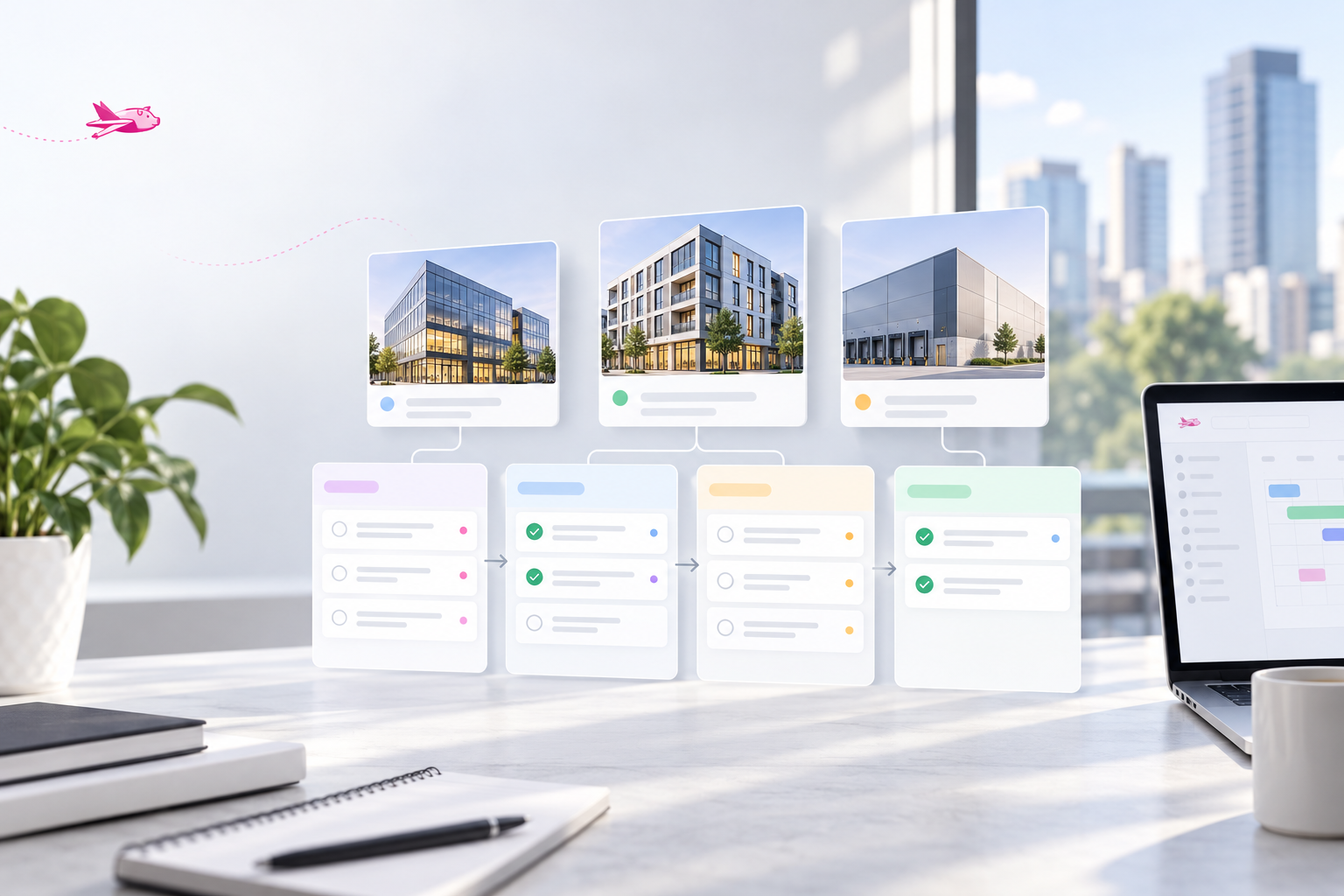
A missed commercial-property follow-up rarely starts as a dramatic failure.
It starts with a tenant request forwarded to the wrong person, a lease notice date copied into a personal calendar, a CAM question left in an email thread, or a renewal task that sits on a shared spreadsheet without a named owner. By the time someone asks for an update, the team has to reconstruct what happened, what is still needed, and who was supposed to act.
That is the real job of task management software for commercial landlords: make operational commitments visible, assigned, and traceable. It is not simply a prettier to-do list.
Before buying, evaluate whether the system can hold the work that actually falls between the lease, the property, the tenant conversation, and the accounting close.
Start with the handoffs that keep getting missed
Small commercial teams often use a mix of email, spreadsheets, shared drives, and a general-purpose board. Each tool can be useful on its own. The problem appears when a task moves from one person or system to another.
Consider a few common examples:
- A property manager needs a landlord decision before replying to a tenant about a proposed assignment.
- An asset manager asks for backup behind a CAM variance, and the request crosses operations, vendors, and accounting.
- A lease expiration needs a notice review, a broker conversation, and a decision on the next step.
- A certificate of insurance is due for follow-up, but the team cannot tell whether the tenant has been contacted or who is waiting on whom.
If these tasks are spread across inboxes and personal reminders, status becomes dependent on memory. A better process gives each commitment one visible record with a clear owner, a next action, and a date that can be reviewed by the rest of the team.
What commercial task management software should do
The strongest evaluation questions are practical. Ask a vendor to show the following with a real workflow from your portfolio—not a generic project board.
1. Make ownership unambiguous
Every open task should answer: who owns the next action?
Look for a primary assignee, the ability to involve collaborators without confusing responsibility, and a way to reassign work when someone is out or a handoff occurs. A task that lists a department but no accountable person still depends on somebody remembering to take it.
For recurring work, confirm that the system does not create a pile of unowned reminders. A lease review, vendor follow-up, or monthly reporting step should arrive with a known owner and enough context to begin.
2. Support due dates, priorities, and escalation
Not every task deserves the same treatment. A lease notice deadline, a tenant response promised for Friday, and an internal cleanup item should not all compete in one undifferentiated list.
Test how the system handles due dates, overdue work, priority, and reminders. More importantly, test the escalation path: when a task is late, can the right manager see it without asking the team to build a separate report?
The goal is not to create more alerts. It is to create a reliable operating review where upcoming deadlines, blocked items, and overdue commitments are easy to spot.
3. Keep the property and lease context with the task
Commercial work is rarely generic. A follow-up may depend on a particular suite, tenant, lease clause, notice period, expense category, vendor, or ownership decision.
A task system should let the team connect work to the relevant property and, when needed, the relevant lease or tenant record. That connection saves time when someone new opens the task and needs to understand why it exists. It also makes it easier to review all open work related to a property before an ownership meeting, renewal discussion, or annual CAM cycle.
Ask to see how the software surfaces the context without forcing users to search through folders and old email threads. If the task only contains a vague title and a link to a spreadsheet, the team is still doing the reconstruction work manually.
4. Preserve an audit trail that helps humans
An audit trail does not need to be complicated to be useful. It should show when the task was created, who owned it, what changed, what was completed, and the supporting conversation or files that explain the decision.
This matters when a tenant asks for a status update, when an owner wants to know why a deadline was missed, or when a new team member takes over a property. The record should reduce finger-pointing and prevent a second round of detective work.
During a demo, ask whether completed tasks remain searchable and whether the history stays attached to the property or lease context. A tool that hides closed work may look tidy while removing the history your team needs later.
5. Fit the work around the task—not the other way around
General-purpose tools can be effective for simple projects. They become fragile when the team must create its own naming rules, duplicate property details into every card, and manually connect each task to lease dates, tenant records, and financial follow-ups.
That does not mean every landlord needs a large all-in-one platform. It means the software should fit the work your portfolio creates. A team with complex CAM, lease, and rent-roll responsibilities should test those workflows directly rather than assuming a polished board will cover the operational gaps.
For a useful comparison framework, see commercial property management software for small landlords and how to test commercial property software with one ugly workflow.
Know what task management is—and is not
Task management overlaps with several parts of property operations, but it should not be confused with them.
Maintenance work orders track a physical issue from request through dispatch, vendor work, cost, and completion. A task manager may remind a manager to review a repair estimate, but it is not a substitute for a work-order process.
Tenant communications are the messages, notices, and records exchanged with tenants. A task can make sure a reply is prepared or a notice is sent, but the task is not the communication channel itself.
Document management stores leases, amendments, invoices, insurance certificates, and other records. A task can point to the relevant document and set the next action, but a folder of PDFs does not create accountability on its own.
The right system makes these distinctions clear while connecting related work. If your team cannot tell where a document ends and the action begins, important items will keep drifting back into email.
A buying checklist for landlord teams
Before committing, run one live workflow through the product. Choose something routine but messy: an upcoming lease notice, a CAM support request, an insurance follow-up, or a tenant change that requires several approvals.
Then ask:
1. Can we assign one accountable owner and still involve the right collaborators? 2. Can we set a due date, see what is overdue, and escalate a blocked task? 3. Can a teammate open the task and immediately see the relevant property, tenant, and lease context? 4. Can we attach or reference the documents and communications needed to complete the work? 5. Can we see the history after completion without relying on someone’s inbox? 6. Can we review all open tasks for one property, tenant, or workflow? 7. Can this replace a specific spreadsheet or email chase without creating duplicate entry elsewhere?
If the product struggles with the workflow your team already finds difficult, more templates and dashboards will not solve the underlying handoff problem.
Build a reliable action layer
Commercial portfolios generate a steady stream of commitments: confirm a lease date, answer a tenant, collect backup, obtain approval, send a notice, or close the loop after a vendor response. The work becomes manageable when those commitments have owners, dates, context, and history.
That is the buying standard. Choose software that makes the next action clear and lets the team prove what happened without stitching together a spreadsheet, inbox, and disconnected task board.
If your team is evaluating a better way to manage commercial-property and lease follow-ups, schedule a PigJet demo and bring one workflow that currently depends on email or a spreadsheet. We’ll use it to show what a clearer operating process should look like.