Commercial Property Incident Reporting: A Landlord Documentation Workflow
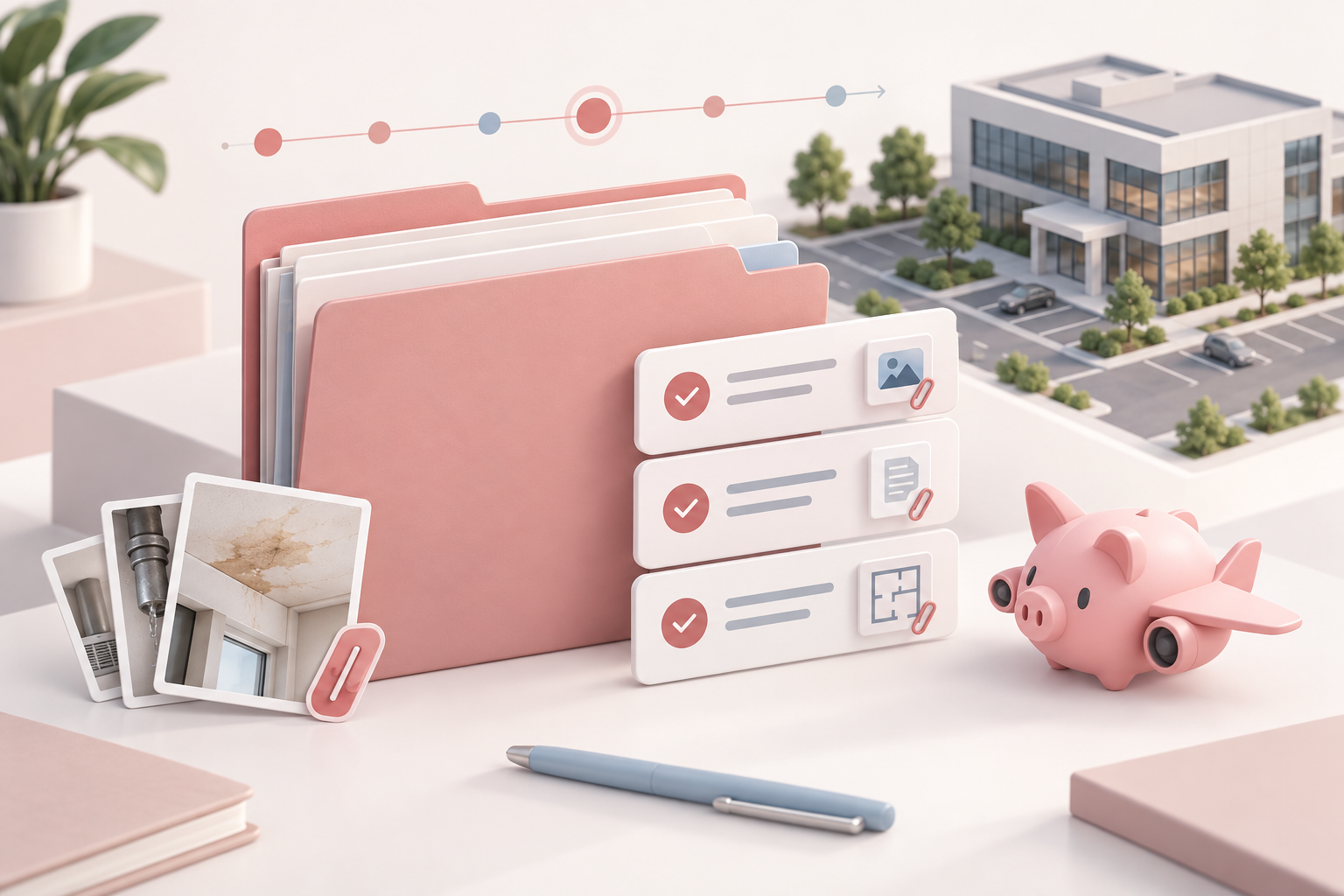
An incident can create two problems for a commercial landlord at once: the event itself and the recordkeeping scramble that follows it.
A tenant reports water at a rear entrance. A delivery driver says they were hurt in the loading area. A storefront window is damaged overnight. The first calls may be necessary, but the operating record often ends up scattered across texts, voicemail, emails, photos, vendor invoices, and someone’s memory of what happened.
That makes the next step harder than it needs to be. Who was notified? What was observed? Which photos go with which location? Is a vendor visit scheduled? Has the tenant received an update? What still needs an owner?
A consistent incident reporting workflow gives the property team one factual record to work from. It is not a substitute for emergency procedures, legal advice, insurance guidance, or the requirements in a lease. For any incident, follow applicable safety procedures first, then follow the lease, insurer instructions, counsel’s advice, and local requirements that apply to the property.
Start One Record for One Incident
Open a single incident record as soon as practical after the initial report. The goal is not to decide fault or reach a legal conclusion. It is to preserve the basic facts while they are still available.
Give the record a clear reference name, such as the property, suite or area, incident date, and a short neutral label. For example: `Oak Center / Loading Area / 2026-09-19 / Reported Water Intrusion`.
The first entry should capture:
- date and time the report was received
- date and time of the reported event, if known
- property, suite, and specific area involved
- name and contact information for the reporting person
- a short, factual description of what was reported or observed
- who created the record and when
Use neutral language. “Tenant reported water on the floor near the rear door at 8:20 a.m.” is more useful than a conclusion about why it happened or who caused it. If a detail is uncertain, mark it as reported or unconfirmed instead of filling in the gap.
Separate Facts, Files, and Follow-Up
An incident file becomes hard to use when the narrative, attachments, and work assignments are all mixed together. Keep three distinct parts in the same record.
1. The factual incident log
This is the chronological account: the initial report, observations, calls, emails, updates, and completed actions. Add a timestamp and the person who made each entry. If information came from someone else, note the source.
2. The supporting files
Store photos, video, tenant-submitted material, contractor notes, invoices, estimates, inspection reports, and relevant correspondence in a folder or system tied to the incident record. Use file names that make the material retrievable later, such as `2026-09-19_loading-area_photo_01.jpg` or `2026-09-20_vendor-inspection-note.pdf`.
Do not edit original photos or overwrite the original file. If you need an annotated copy for an internal discussion, save it separately and retain the original. A short file index in the incident record can save time when several people need to review the same materials.
3. The action list
Every follow-up item needs an owner and a due date. “Call plumber” is easy to miss; “Property manager to confirm vendor arrival window by 11:00 a.m. on September 20” is a trackable task.
For related repair work, connect the incident record to the relevant work order rather than treating the work order as the whole incident file. A work order tracks the repair. The incident record tracks the sequence of reports, communications, decisions, files, and remaining follow-up.
Build a Timeline That Can Be Read Quickly
The timeline is the backbone of the record. It should let an owner or property manager understand the sequence without searching across inboxes.
For each entry, record:
- date and time
- person or organization involved
- communication method or event type
- concise factual note
- related attachment or task, if any
The entries do not need to be long. A useful timeline might read:
| Time | Entry | | --- | --- | | 8:20 a.m. | Suite 204 manager reported water near the rear door by phone. | | 8:35 a.m. | Property manager logged report and requested photos from the tenant contact. | | 9:05 a.m. | On-site observation recorded; four photos added to the file. | | 9:30 a.m. | Plumbing vendor contacted for an inspection window. | | 11:10 a.m. | Tenant updated that a vendor visit was requested; next update promised after inspection. |
Keep the timeline to what happened, what was communicated, and what is next. If guidance is received from an insurer, attorney, or other advisor, record that it was received and route the record as appropriate; do not turn the property log into an informal legal analysis.
Record Who Was Notified
Notifications are easy to remember the day of an incident and easy to lose track of a week later. Add a communications log that lists who was contacted, why, when, and whether a response or next step is pending.
Depending on the event and the property’s procedures, that may include:
- the tenant contact or affected occupants
- the owner or asset manager
- on-site staff or property manager
- a vendor, contractor, or building engineer
- an insurer or broker, following policy instructions
- lease-required or locally required contacts
The right list will differ by lease, incident type, and local requirement. The point is not to notify everyone automatically. The point is to make deliberate notifications visible and to assign the next communication.
For tenant communications, save the sent message or a brief copy of the substance of a phone call. Include any commitment you made, such as the next update time, access coordination, or a vendor appointment window. That prevents a familiar problem: one team member believes the tenant was updated while the tenant is still waiting for a response.
Turn Follow-Up Into Owned Tasks
The first report is only the start of the workflow. A useful incident record remains active until its open items are visible and owned.
Common follow-up tasks include:
- obtaining missing photos, statements, or vendor notes
- arranging inspection or repair work
- coordinating access with a tenant or vendor
- reviewing relevant lease, vendor-contract, or insurance documents with the appropriate advisor
- sending the next tenant or owner update
- confirming temporary measures or repair completion
- storing final invoices, reports, and closeout files
Assign each task to one person, give it a due date, and record the completion evidence. If the task is handed off, update the owner in the record instead of leaving the original assignment ambiguous.
For a recurring property issue, connect the closed incident to the maintenance history. That context helps the team see whether the event was isolated or part of a pattern without rewriting the same history in multiple places.
Close the Record Deliberately
Closing an incident does not mean declaring every question resolved. It means the landlord has completed the defined operational follow-up or handed any remaining item to the appropriate owner.
Before closing, review the record for:
- a clear initial report and factual timeline
- stored and labeled supporting files
- a complete communications log
- completed, reassigned, or explicitly open follow-up tasks
- links to related work orders, inspections, invoices, or vendor reports
- a final status note with the close date and person closing the record
If something remains open, keep the incident open or state exactly what remains, who owns it, and when the next review will occur. A vague “resolved” status is less helpful than a clear note that the repair is complete, an invoice is pending, or an outside party is reviewing a separate question.
Make the Workflow Routine Before You Need It
The best time to decide where an incident record lives, who owns it, and how updates are documented is before the next call comes in. A simple template and a consistent storage location reduce the chance that crucial details are left in someone’s inbox.
Start with a one-page incident record that includes the initial facts, timeline, file list, communications log, and action list. Then use the same structure for every property and incident type, adjusting it when your leases, vendors, advisors, or local requirements call for something different.
PigJet helps commercial landlords keep property records, work follow-up, and tenant communications organized around the property—not scattered across spreadsheets and inboxes. See how PigJet supports commercial property operations.