Commercial Property Fixed Asset Tracking Software: What Landlords Need Before They Buy
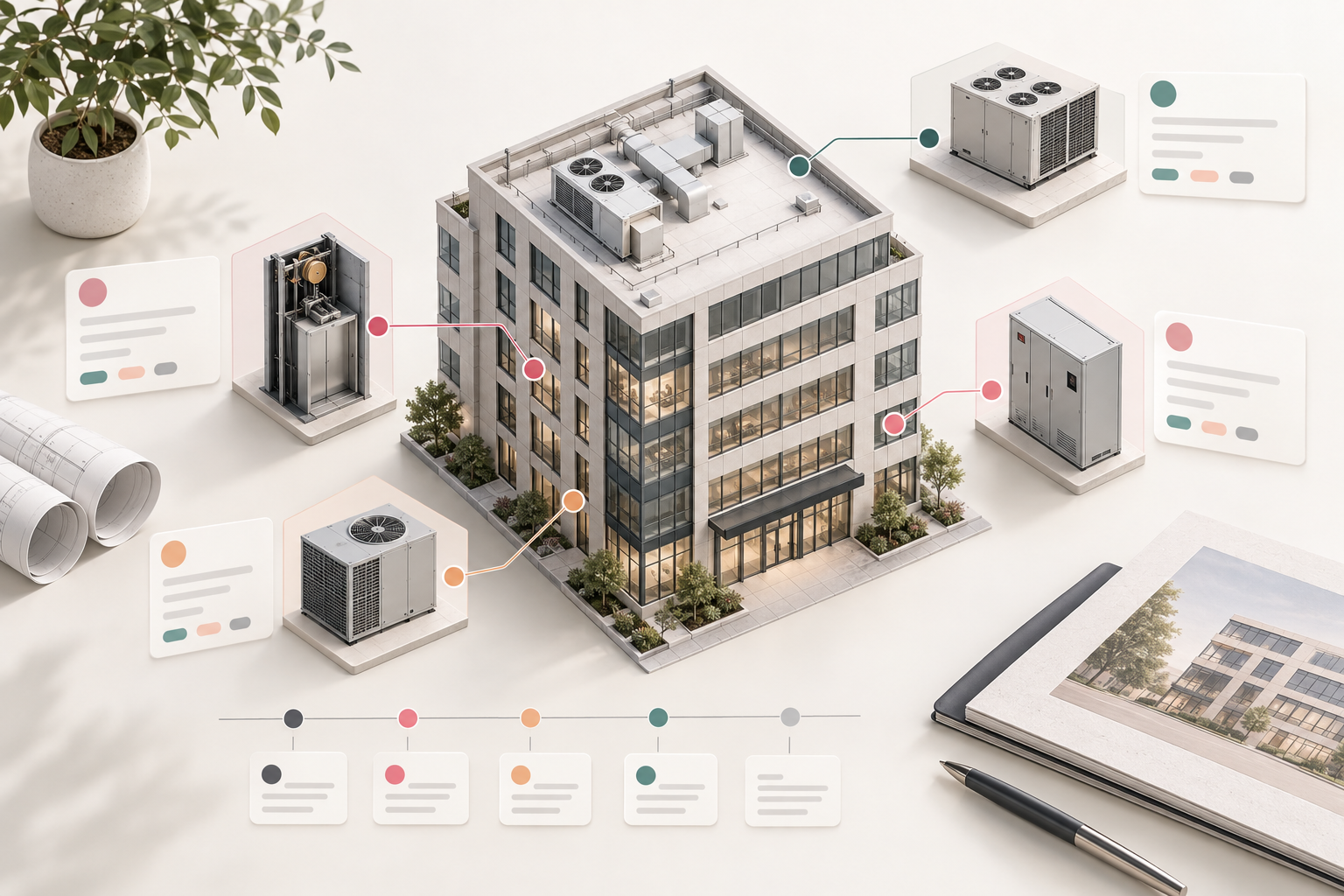
When the roof unit needs replacement, a tenant asks who owns a piece of equipment, or an accountant needs the original invoice, the answer should not depend on who happens to remember the project.
That is the real purpose of fixed-asset tracking for a commercial landlord. It is not simply a year-end depreciation list. It is an operating record that connects an asset to a property, a location, supporting documents, condition history, responsible party, and the next decision it may require.
For a one-building owner, that record may begin in a carefully maintained spreadsheet. Across several properties, it often breaks down into invoice folders, old capital-project files, maintenance notes, and accounting exports that do not tell the same story. The right software can help, but only if the workflow is defined before the buying process starts.
This guide explains what to put in a usable commercial-property asset register, what questions to ask during a software evaluation, and how to start without turning a cleanup project into a dead end. It is operational guidance, not legal, tax, or accounting advice. Use qualified advisers for depreciation, capitalization, tax, ownership, lease, and insurance questions.
Start With the Operating Question
Before evaluating software, decide what you need the record to answer.
For most commercial properties, the useful questions are practical:
- What is the asset, and exactly where is it?
- Which property, building, suite, roof zone, mechanical room, or common area does it serve?
- Who owns it, and does a lease, service agreement, or project document affect responsibility?
- When was it acquired or installed, what did it cost, and where is the backup?
- What work has been performed, what warranty remains, and what condition is it in today?
- Is there a known replacement window, budget estimate, or capital-project decision coming up?
- Who needs access to this record: ownership, property operations, accounting, a vendor, or an outside adviser?
If the system cannot answer those questions without reopening several folders, it is not yet doing the job of an asset register.
A Fixed-Asset Register and a Capital Plan Are Related, Not Identical
An accounting fixed-asset schedule often focuses on information needed for financial reporting or tax work. That information matters. The IRS says business asset records may need to support when and how an asset was acquired, purchase price, improvements, depreciation, use, and disposition. Its recordkeeping guidance also explains why source documents should remain available.
But a property team needs additional operating context. A rooftop unit, elevator component, parking-lot fixture, access-control panel, or common-area improvement has a physical location and a service history. The team needs to know what happened before the next failure or capital request, not merely that an item appears on a ledger.
Treat the accounting schedule and the operations register as connected records with different jobs:
| Record | Primary job | Typical owner | | --- | --- | --- | | Accounting fixed-asset schedule | Support financial reporting, depreciation, and disposition records | Controller, bookkeeper, CPA, or tax adviser | | Property asset register | Locate assets, retain documents, record condition and service history, and plan work | Owner, property manager, or operations team | | Capital plan | Prioritize and budget future replacements, improvements, and projects | Ownership and property operations |
Your software does not need to calculate every tax outcome to be useful. It does need a dependable way to link the operating record to the documents and accounting information your advisers use. The IRS does not prescribe one recordkeeping system for every business; it emphasizes a system that clearly records the relevant information and preserves supporting documents. Read the IRS overview of business recordkeeping.
Build a Minimum Useful Asset Record
Do not start by collecting every possible data point. Start with the fields your team can keep current.
For each material asset or asset group, capture:
| Field | Why it matters | | --- | --- | | Asset name and type | Makes the item understandable to the next reviewer | | Property and precise location | Prevents confusion between similar equipment at different buildings or suites | | Asset ID or tag, if used | Gives the team a stable reference in work orders, invoices, and inspections | | Owner or responsible party | Helps distinguish landlord assets from tenant-owned equipment and vendor-managed items | | Acquisition or installation date | Gives context for warranty, service history, and replacement planning | | Original cost and source document | Connects the record to the invoice, contract, or project file | | Manufacturer, model, serial number, and vendor | Speeds warranty claims, service calls, and replacement research | | Condition and last inspection date | Turns the list into an operating tool rather than an archive | | Service history and open issues | Shows what has been tried and what remains unresolved | | Warranty, manual, permit, or compliance documents | Keeps critical backup with the asset rather than in a separate inbox | | Expected review or replacement window | Creates a prompt for deliberate planning, not an automatic replacement decision |
Some records will need more detail. For example, a major HVAC asset may warrant capacity, refrigerant information, service contractor, and unit-level condition notes. A parking-lot resurfacing project may be better tracked as a capital-project record with documents, budget, and closeout history. The point is to use a consistent structure while allowing the record to fit the asset.
Draw a Clear Line Between Repairs, Replacements, and Improvements
The same work can touch maintenance, capital planning, lease administration, insurance, and accounting. Do not expect a single dropdown to decide how every cost should be treated.
Instead, give the team a review path:
1. Link the invoice, proposal, scope, and photos to the affected asset or project. 2. Record what was done and why: routine repair, component replacement, emergency restoration, upgrade, or tenant-requested work. 3. Identify the agreements, approvals, and responsibility records that may matter. 4. Route classification, recovery, capitalization, depreciation, or insurance questions to the people authorized to answer them. 5. Save the final decision and its supporting record where the next reviewer can find it.
This is especially important in commercial portfolios, where the physical asset may be landlord-owned while a lease allocates maintenance, repair, replacement, reimbursement, or approval obligations differently. Start with the executed lease and amendments, not a generic assumption about NNN terms. A current commercial lease abstract checklist can help make those source terms easier to retrieve during a review.
Connect Asset Records to Maintenance Work
Asset tracking becomes useful when it helps people act earlier.
If a vendor completes work, the completion note, invoice, recommendation, photos, and follow-up date should attach to the specific asset record whenever practical. If an inspection finds a recurring issue, the next reviewer should see the pattern instead of starting over with a new service ticket.
Create a simple cadence:
- Update the record after material installation, replacement, inspection, or service work.
- Review high-cost and high-risk assets before the annual budget cycle.
- Review open vendor recommendations and expiring warranties at least quarterly.
- Reconcile assets removed, sold, or replaced so the operating record does not keep pointing to equipment that is no longer there.
- Perform a periodic property walk to compare the register with what is actually on site.
For the day-to-day side of this process, see Commercial Property Maintenance Tracking: A Practical System for Landlords. The maintenance log captures work as it happens; the asset register provides the durable equipment and replacement context around it.
What to Look for in Fixed-Asset Tracking Software
Software should reduce retrieval time and missed follow-up, not just convert your spreadsheet into a prettier screen. During a demo, ask the vendor to show the workflow using a realistic property example.
1. Property and location hierarchy
Can one asset be associated with a portfolio, property, building, suite, common area, or equipment room? Can the team search by any of those fields? A list that only stores an address will not be very helpful when two similar units serve different spaces.
2. Document and photo linkage
Can the record keep invoices, manuals, warranties, proposals, inspection reports, and photos in a way that remains easy to retrieve? Ask how documents are named, indexed, exported, and retained when a vendor relationship or software subscription ends.
3. Service-history connection
Can the asset link to maintenance requests, inspections, vendor visits, and recurring work? If not, decide whether the team can reliably maintain those connections through a documented process.
4. Ownership and responsibility fields
Can the record distinguish landlord-owned, tenant-owned, shared, or vendor-managed assets? Can it link to the relevant lease, contract, or project record without requiring a free-text note that no one will search later?
5. Replacement planning and reporting
Can you group assets by expected review window, condition, property, system type, or estimated future project? Reports should help you prepare for a budget discussion, not promise a precise useful life that the underlying condition data cannot support.
6. Permissions and accountability
Can a property manager update condition and documents while accounting retains control over accounting fields? Can the team see who changed a record and when? Permission design matters when several people maintain the register.
7. Export and migration options
Ask for a sample export before you buy. You should be able to retrieve your asset list, linked-document references, and key history in a usable format. A system that is hard to leave is not necessarily a system that is easy to trust.
Run a Small Pilot Before You Migrate Everything
A portfolio-wide data cleanup is a poor first test of software. Choose one property or one system group—such as rooftop HVAC units, common-area equipment, or parking-lot assets—and run a controlled pilot.
For the pilot, set a concrete standard:
- Every included asset has a clear location and responsible party.
- Material invoices, warranties, and manuals are linked or given a documented storage reference.
- The team can add a service event without creating duplicate records.
- The owner can pull a review list for assets needing attention or budget discussion.
- Another team member can locate the same record without relying on the person who created it.
At the end of the pilot, note what was difficult: missing source documents, inconsistent location names, unclear lease responsibility, uncertain equipment identity, or a confusing approval path. Those are workflow problems to solve before scaling. The software may help, but it cannot supply records that were never captured.
Keep the Register Useful After Implementation
The best register has a named owner and a routine. Decide who creates a record for a new asset, who attaches closeout documents, who reviews condition, who confirms removals, and who prepares the capital-planning view. Make those steps part of purchase, project-closeout, and maintenance workflows rather than a separate monthly chore someone may skip.
For tenant improvements and other projects that create or replace assets, keep the project record connected to the final operating record. Commercial Tenant Improvement Project Tracking for Landlords covers a practical way to preserve scope, draw backup, inspections, and closeout information before the project is archived.
The goal is not a perfect database. It is a record your team can trust when a unit fails, a budget is due, a tenant raises a question, or an adviser needs the supporting documents.
PigJet helps commercial landlords keep property records, lease details, documents, and operating follow-up organized in one place. See how PigJet helps commercial landlords stay on top of tenant and property work.